
PRODUCTS/MASQUERADE VST PLUGIN
MASQUERADE VST PLUGIN
SALE 25% OFF

MASQUERADE VST PLUGIN

your secret persona might just be this VST if you want to make acid jazz - it's perfect!

170+ FACTORY PRESETSJAZZ
$39.99$27.99
0:000:00
Instant Access
100% Royalty Free
Flexible Payments
Support
Guaranteed Safe & Secure CheckoutAccepted payment methods

Explore the Sound

Variety of Controls
Create drums instantly
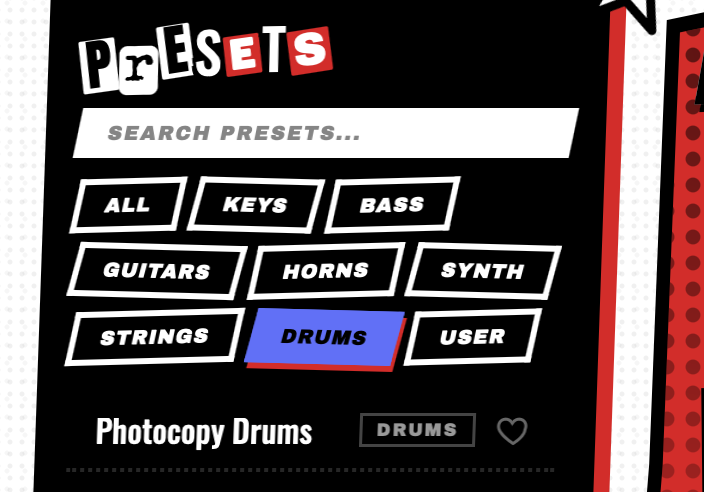
Over 150+ Acid Jazz Presets
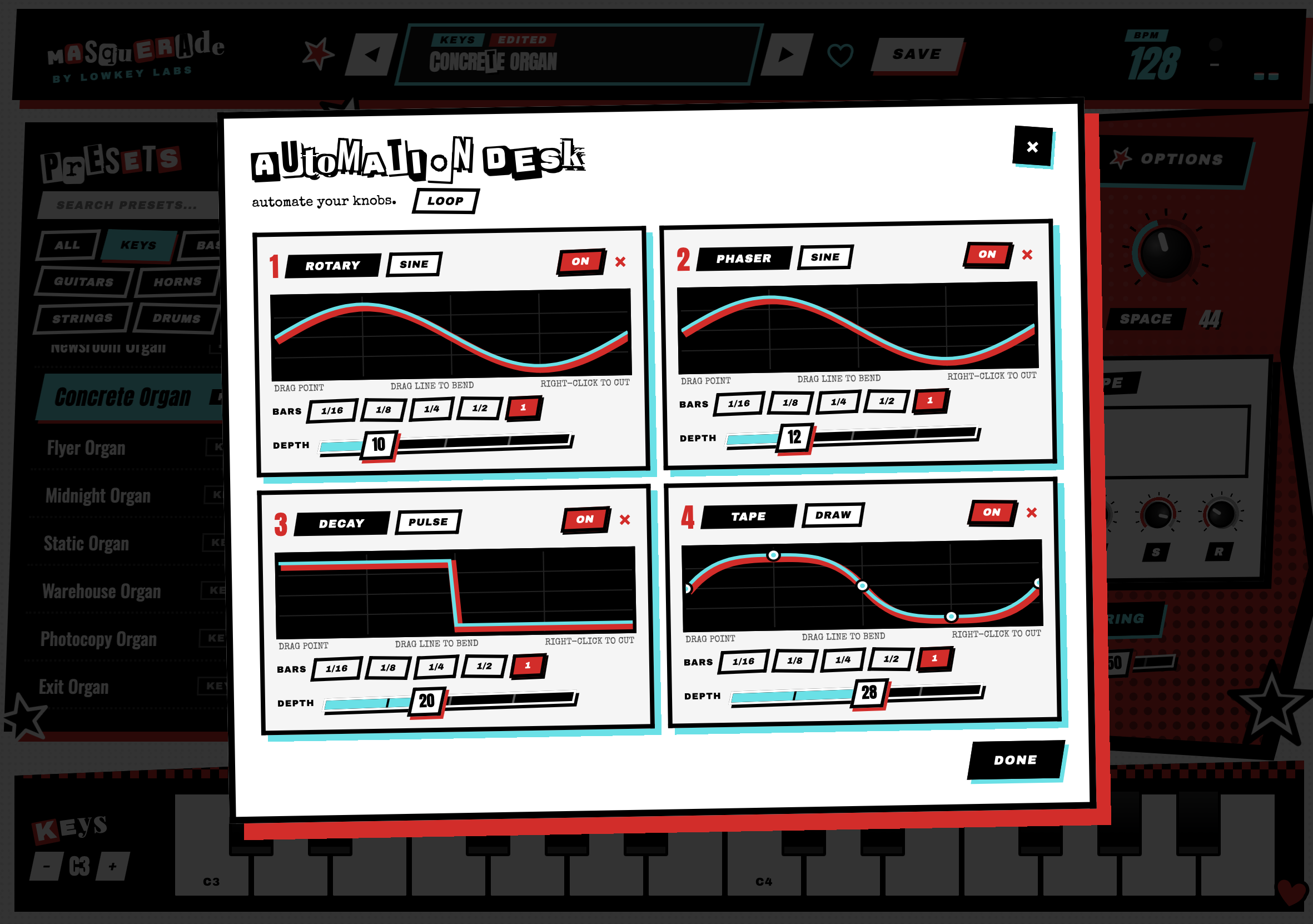
Powerful sound design

Everything You Need to Know

WHAT'S INSIDE

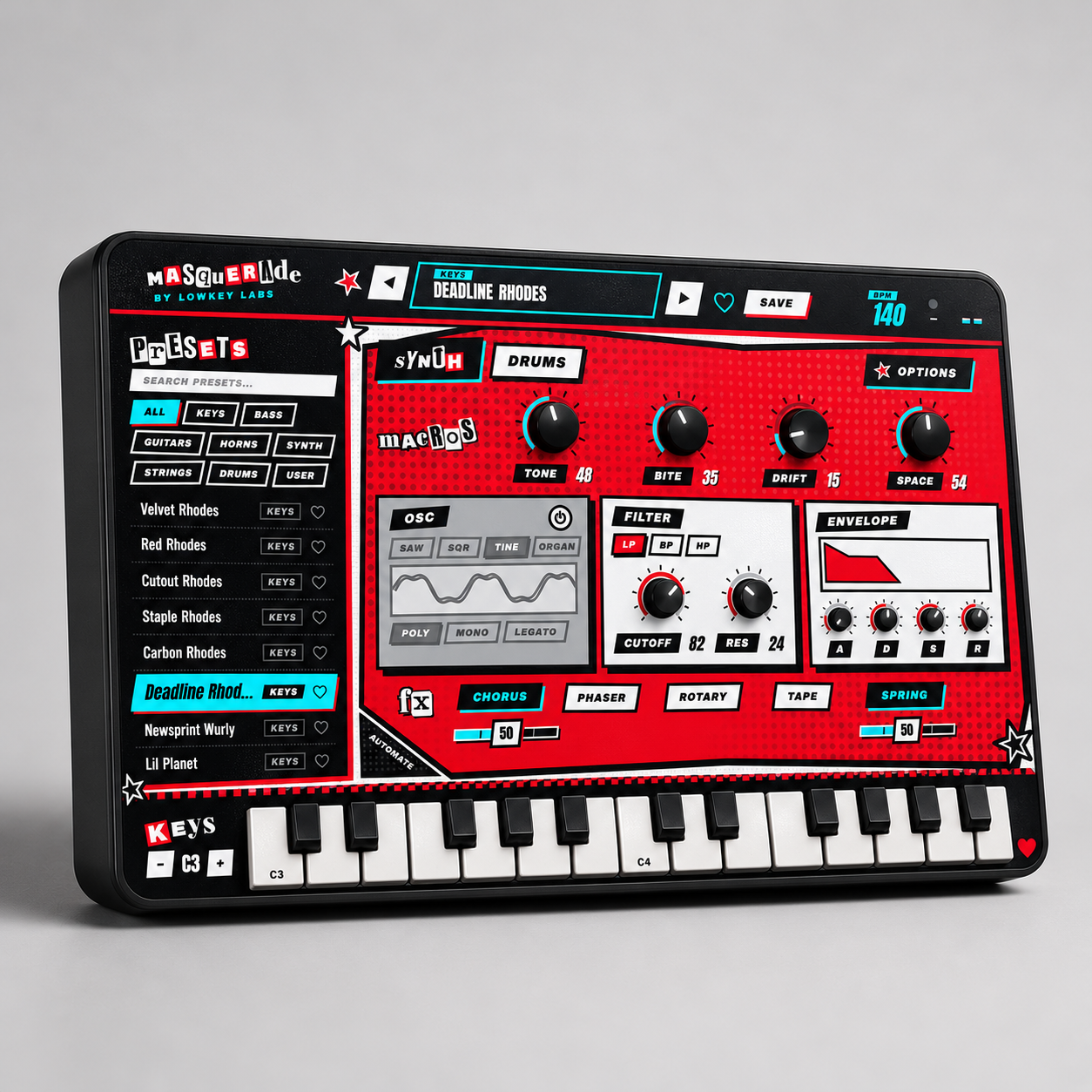
A deep collection of acid-jazz sounds spanning dusty keys, growling basses, guitars, horns, strings, synths and drums. Shape every preset with hands-on macros, filters, envelopes and character effects including chorus, phaser, rotary, tape and spring reverb.
WHO IS THIS VST FOR

Built for producers, beatmakers and keyboard players working in acid jazz, neo-soul, funk, hip-hop and cinematic grooves. Masquerade is for anyone who wants rich, playable sounds without getting lost in endless sound design.

WHAT'S INCLUDED IN THE VST

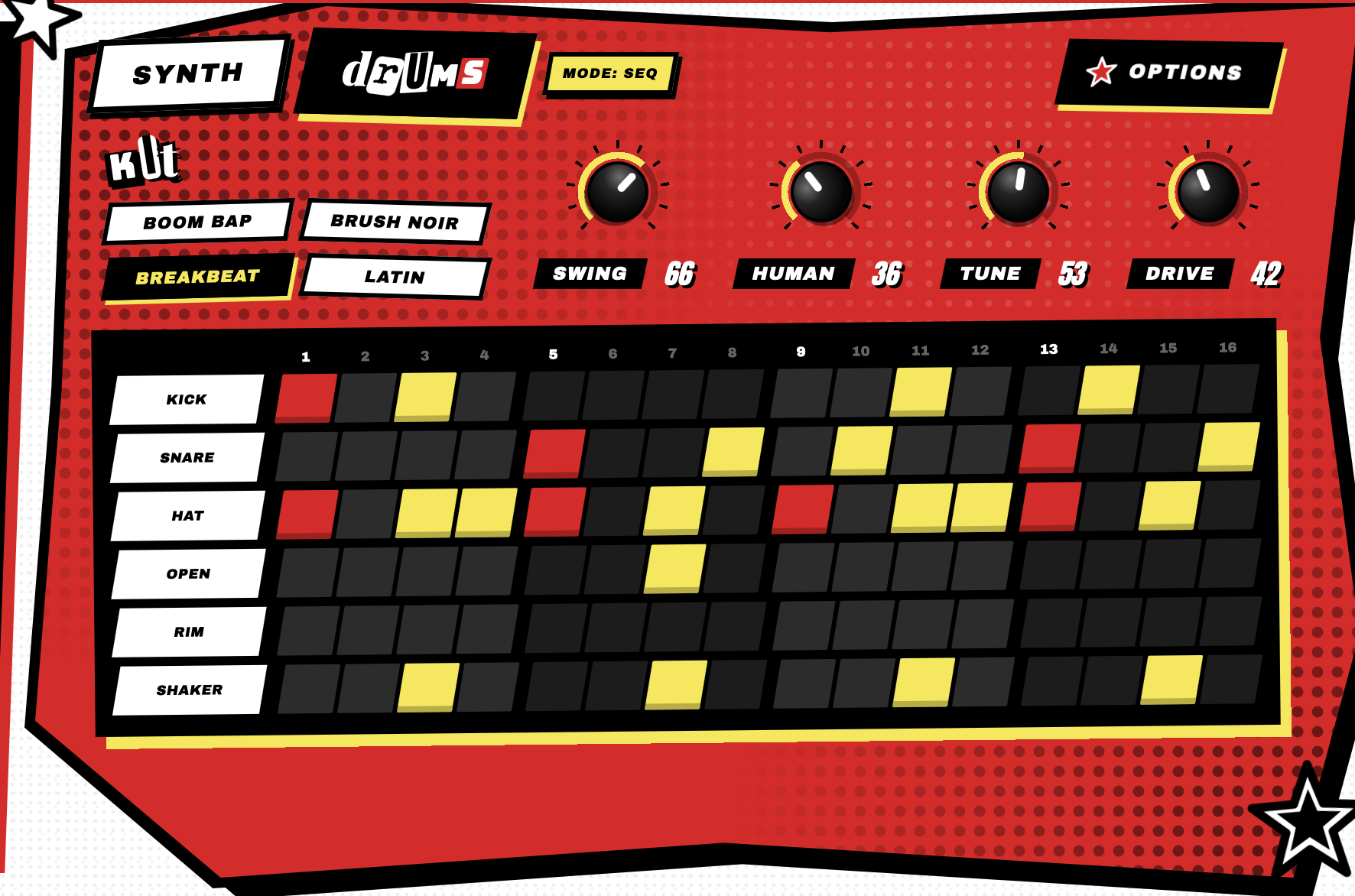
Get 176 factory presets, sampled instruments, internal synth sounds and groove-ready drum kits with a six-lane step sequencer. Masquerade comes in VST3, AU and standalone formats for an easy fit in your studio.

HOW TO USE THE MASQUERADE VST PLUGIN

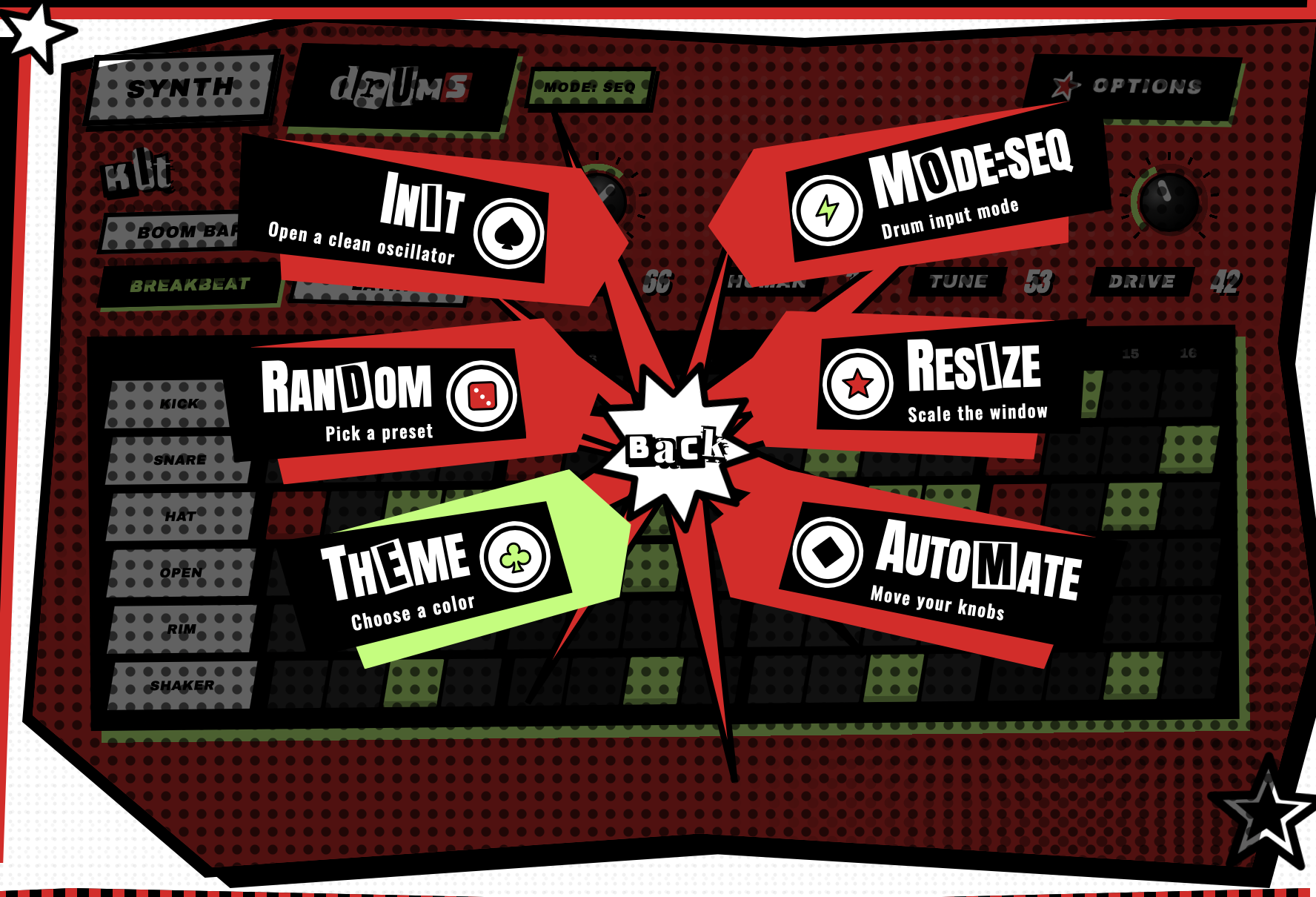
Choose a preset, play it from your MIDI keyboard and shape the sound with Tone, Bite, Drift and Space. Switch to the drum page to build a groove, adjust swing and human feel, then save your finished sound as a custom preset.

Frequently Asked Questions

What formats are included?+

VST products include the plugin formats shown on the product page. When both platforms are available, your download page separates the files into Windows and Mac folders.

What DAWs do the VSTs work with?+

They work in DAWs that support the included plugin formats, including FL Studio, Ableton, Logic, Studio One, Cubase, and other modern hosts.

How do I install the plugin?+

Download the files, choose the Windows or Mac folder, install or place the plugin in the proper plugin folder, then rescan plugins inside your DAW.

What if the VST does not show up in my DAW?+

Make sure your DAW is scanning the correct VST3 or Audio Unit folder, then run a full plugin rescan. Some DAWs cache plugin lists until you force a rescan.

Can I use the sounds I make commercially?+

Yes. Music you create with the VST is yours to release commercially. The plugin itself, presets, installers, and raw included files cannot be shared or resold.