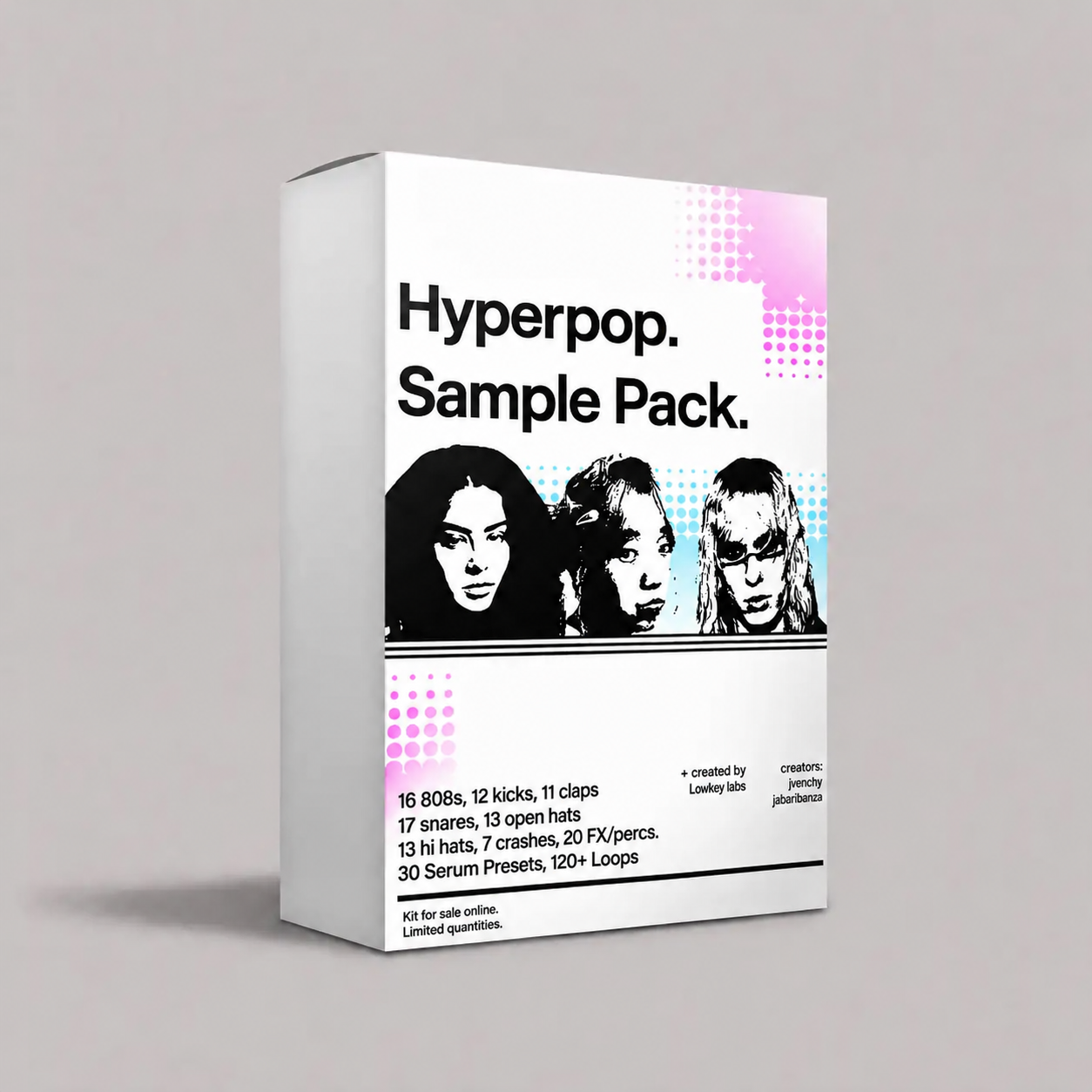
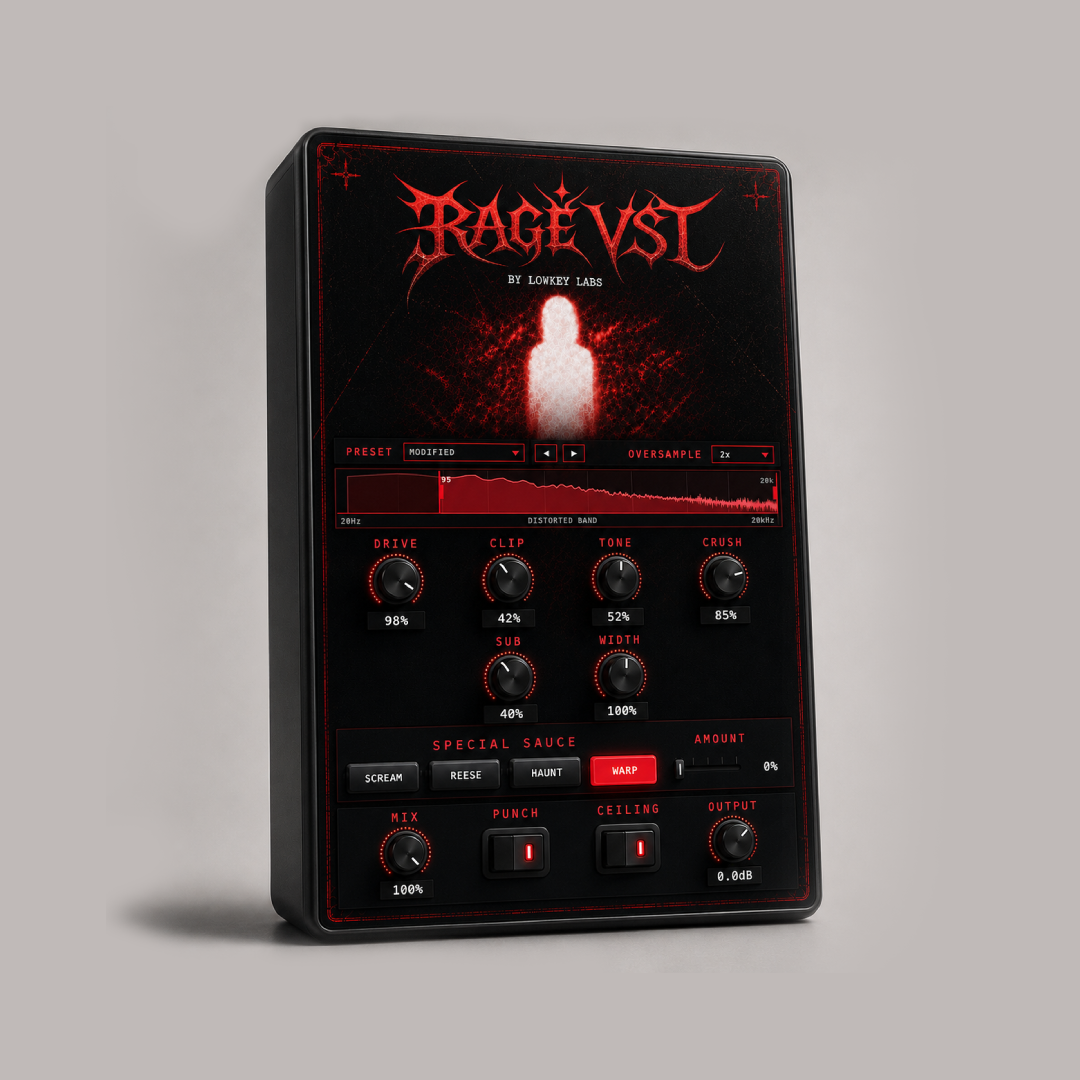
WHAT'S INSIDE
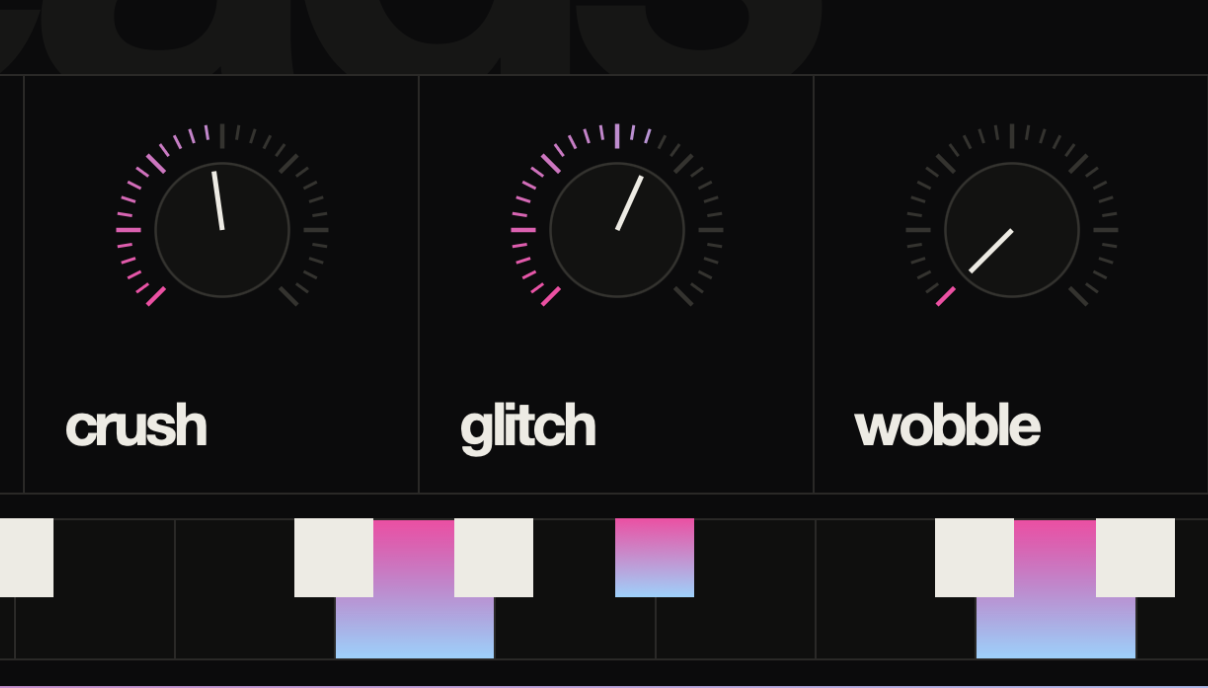
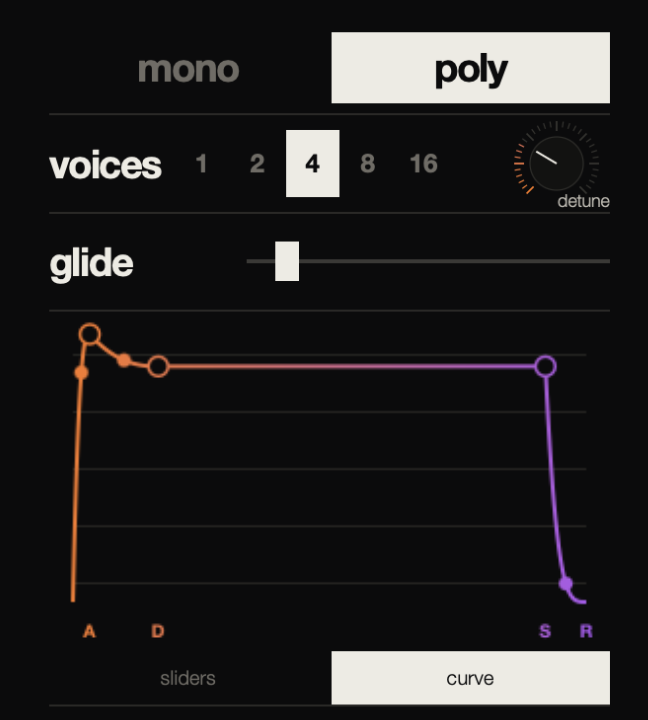
A powerful hyperpop VST synth built for bright, distorted and emotional electronic sounds. Shape dual wavetable oscillators, imported samples, curved ADSR envelopes, polyphonic glide, filters, modulation and built-in effects.
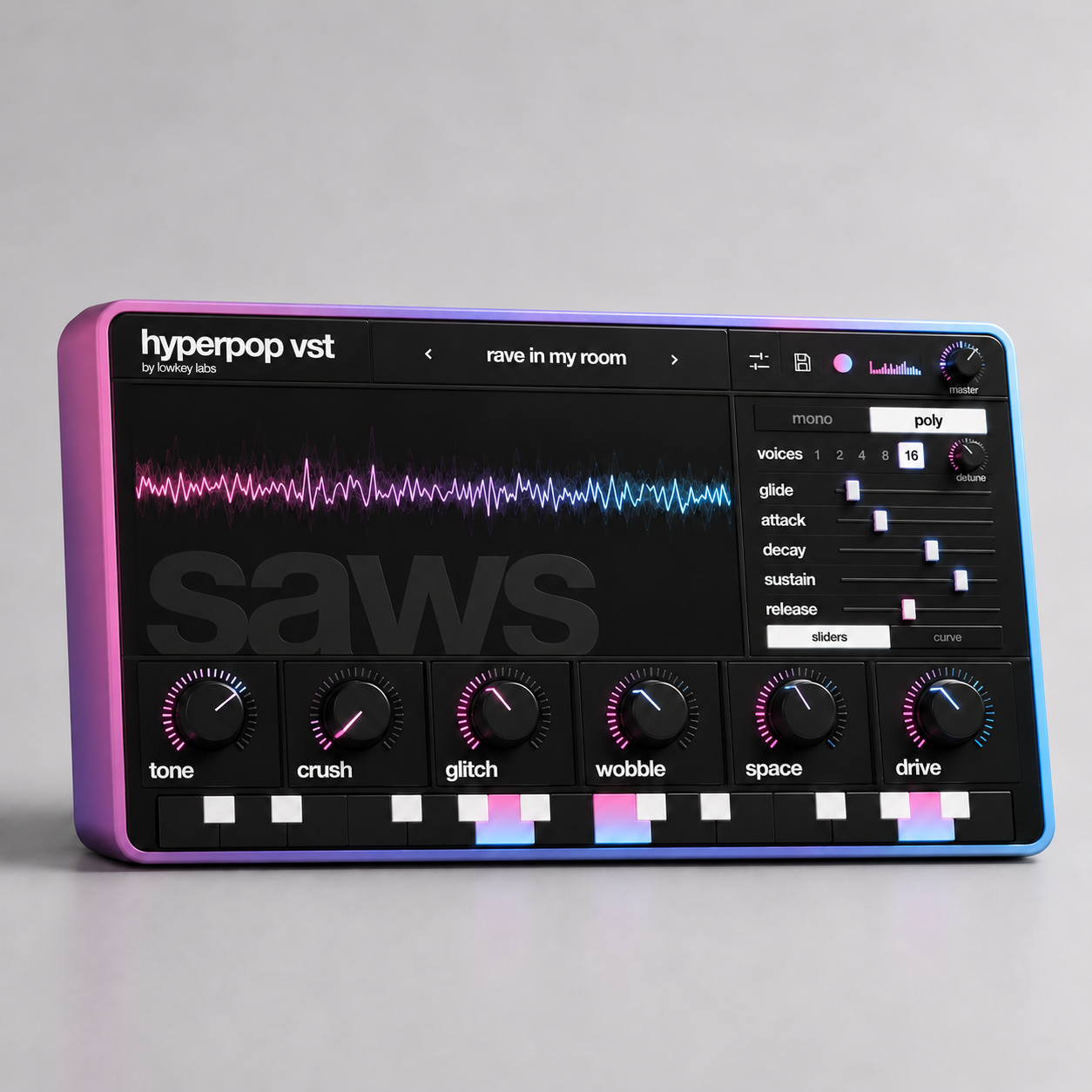
a powerful synth specifically designed for crafting that electronic-maximalist internet sound

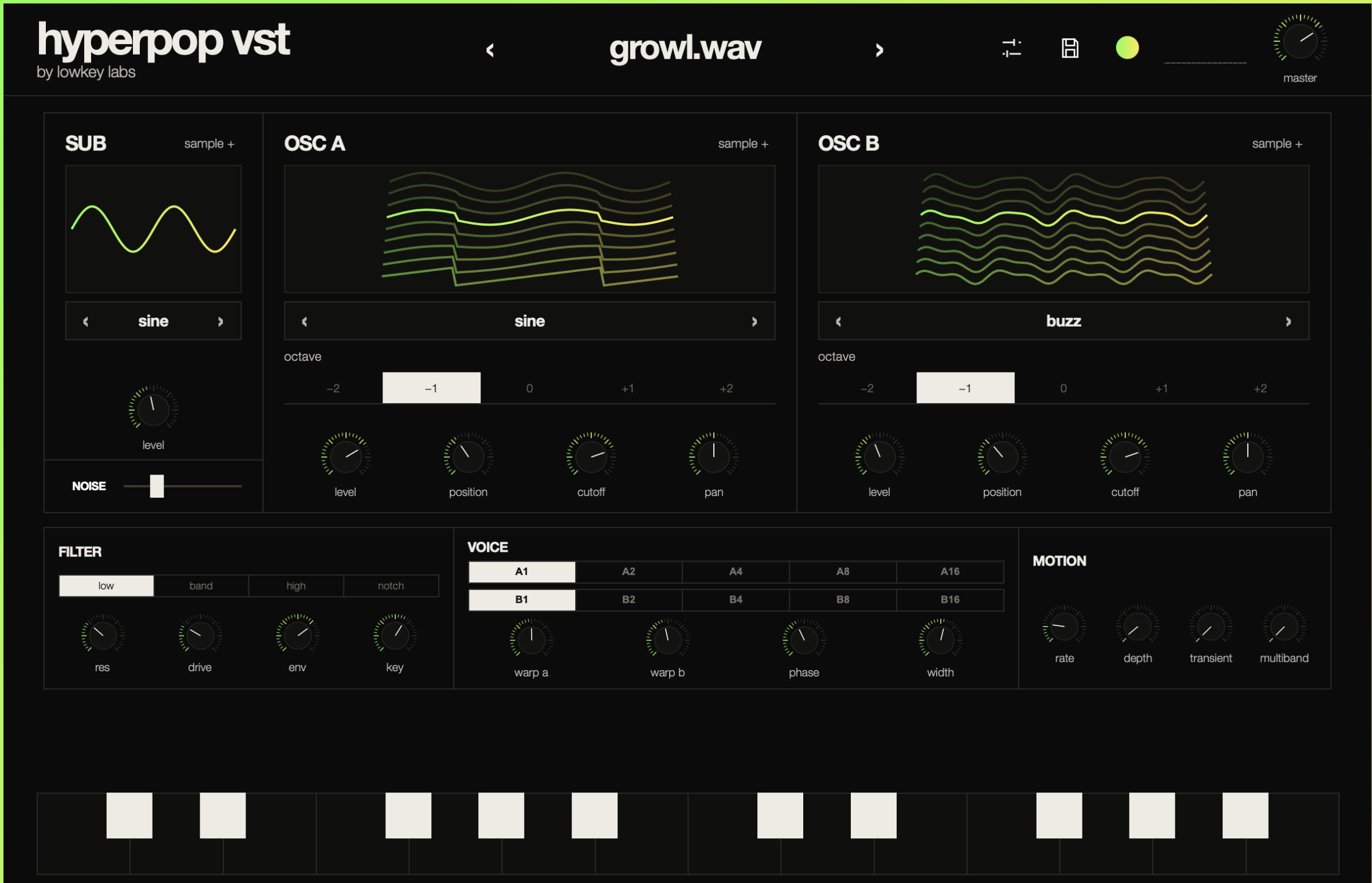
A powerful hyperpop VST synth built for bright, distorted and emotional electronic sounds. Shape dual wavetable oscillators, imported samples, curved ADSR envelopes, polyphonic glide, filters, modulation and built-in effects.
Designed for producers making hyperpop, digicore, glitch pop, EDM, trap and experimental electronic music. It combines an easy preset-based workflow with deeper sound-design controls for beginners and experienced producers alike.
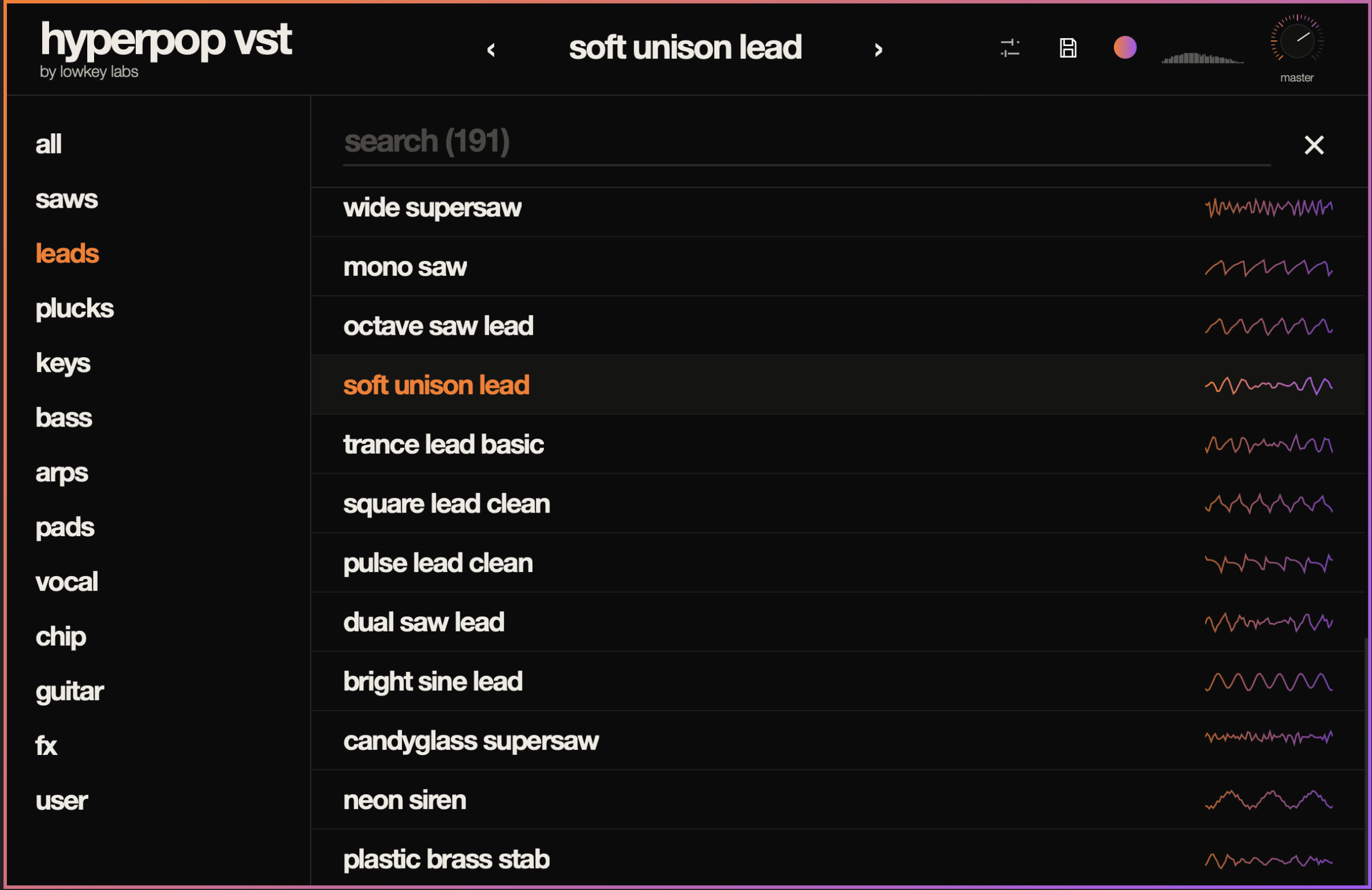
Explore 200 factory presets featuring supersaws, synth leads, colorful EDM basses, plucks, keys, arpeggios, pads, vocal textures, chiptune sounds, guitars and effects. Import audio samples, create custom synth patches and save your own presets inside the plugin.
Load the plugin in your DAW, browse a preset and start playing or sequencing MIDI. Use the main controls to quickly adjust tone, distortion, movement, space and dynamics, or open the advanced view to edit oscillators, wavetables, filters, voicing and modulation.
VST products include the plugin formats shown on the product page. When both platforms are available, your download page separates the files into Windows and Mac folders.
They work in DAWs that support the included plugin formats, including FL Studio, Ableton, Logic, Studio One, Cubase, and other modern hosts.
Download the files, choose the Windows or Mac folder, install or place the plugin in the proper plugin folder, then rescan plugins inside your DAW.
Make sure your DAW is scanning the correct VST3 or Audio Unit folder, then run a full plugin rescan. Some DAWs cache plugin lists until you force a rescan.
Yes. Music you create with the VST is yours to release commercially. The plugin itself, presets, installers, and raw included files cannot be shared or resold.