
YOUR CART

CART EMPTY

PRODUCTS/OFFICIAL PLUGGNB VST
OFFICIAL PLUGGNB VST
SALE 25% OFF

OFFICIAL PLUGGNB VST

create smooth, dreamly, melodic pluggnb sounds instantly

20 PRESETS INCLUDEDPLUGGNB
$20$15
0:000:00
ABOUT THIS VST

Everything You Need to Know

WHAT'S INSIDE

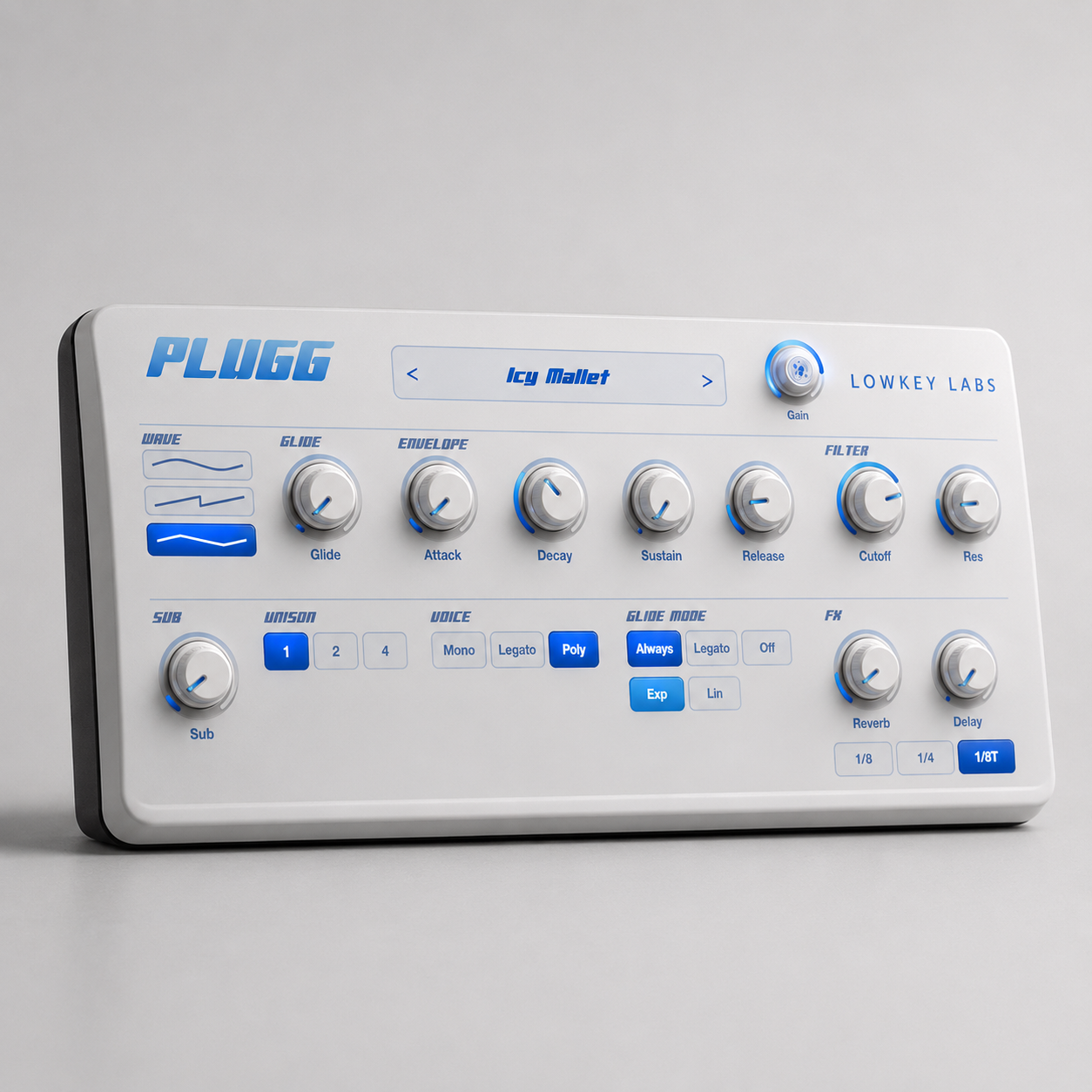
The Official Pluggnb VST is a melodic synth built for glossy pluggnb leads, bell plucks, dreamy keys, soft pads, glide basses, and emotional melody layers. It is not just a preset pack: it is a real playable VST instrument with MIDI input, built-in sound controls, stereo effects, and factory presets designed around the pluggnb sound. At its core, the VST includes sine, saw, and triangle wave synthesis, a sub oscillator for extra body, smooth glide controls, ADSR envelope shaping, low-pass filtering, unison stacking, mono/legato/poly voice modes, reverb, tempo-synced ping-pong delay, subtle chorus, soft clipping, and master gain control. The plugin is made to give producers quick access to the clean, glassy, emotional tones used in pluggnb melodies without needing to build every sound from scratch.

WHO IS THIS VST FOR

This VST is made for producers creating pluggnb, hyperpop, melodic rap, underground rap, rage, ambient trap, and emotional loop-based beats. It is especially useful for producers who want pluggnb-ready sounds immediately, beginners who want polished melodies without complicated synth design, loop makers who need bells, keys, pads, leads, and basses fast, and FL Studio users looking for a simple melodic VST workflow. It is built for anyone who likes glide leads, airy plucks, glass keys, music box tones, soft pads, and clean sub-bass layers. It is not meant to be a full workstation, sampler, drum plugin, or effects-only plugin. It is a focused melodic instrument designed to help create the core sounds of pluggnb melodies quickly.

WHAT'S INCLUDED IN THE VST

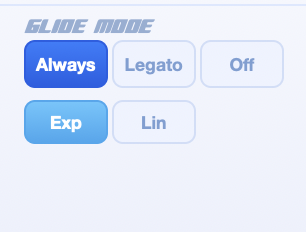
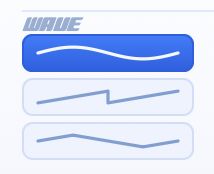
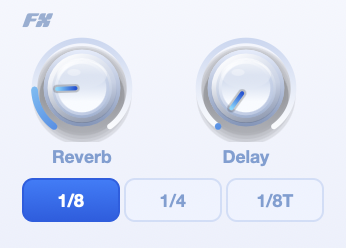
The VST includes 20 factory presets covering bell plucks, glass keys, mallets, darker emotional plucks, soft pads, wide saw pads, sine leads, glide leads, music box tones, chimes, stacked chords, swell sounds, organs, sub bells, 808-style glide subs, and rounded bass tones. These presets are designed as starting points, so customers can either use them right away or tweak them into their own melodies. The plugin includes controls for wave type, glide time, glide mode, glide curve, attack, decay, sustain, release, cutoff, resonance, sub level, unison, voice mode, reverb, delay feedback, delay timing, and output gain. It also includes built-in stereo polish through subtle chorus, tempo-synced ping-pong delay, smooth reverb, stereo voice spreading, soft clipping, and high-frequency smoothing to keep the sound clean and less harsh. The project supports VST3, AU for macOS, and a standalone app. It accepts MIDI input and outputs stereo audio. It does not output MIDI, and it is not a VST2, AAX, drum plugin, or sampler. Mac users need the Mac version, Windows users need the Windows version, and each version must be installed on the correct operating system.

HOW TO USE THE OFFICIAL PLUGGNB VST

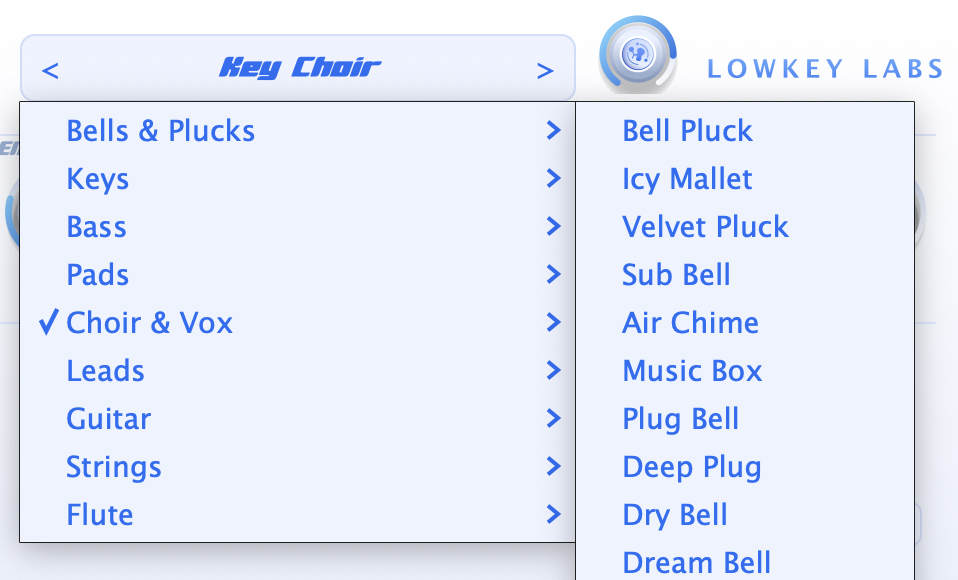
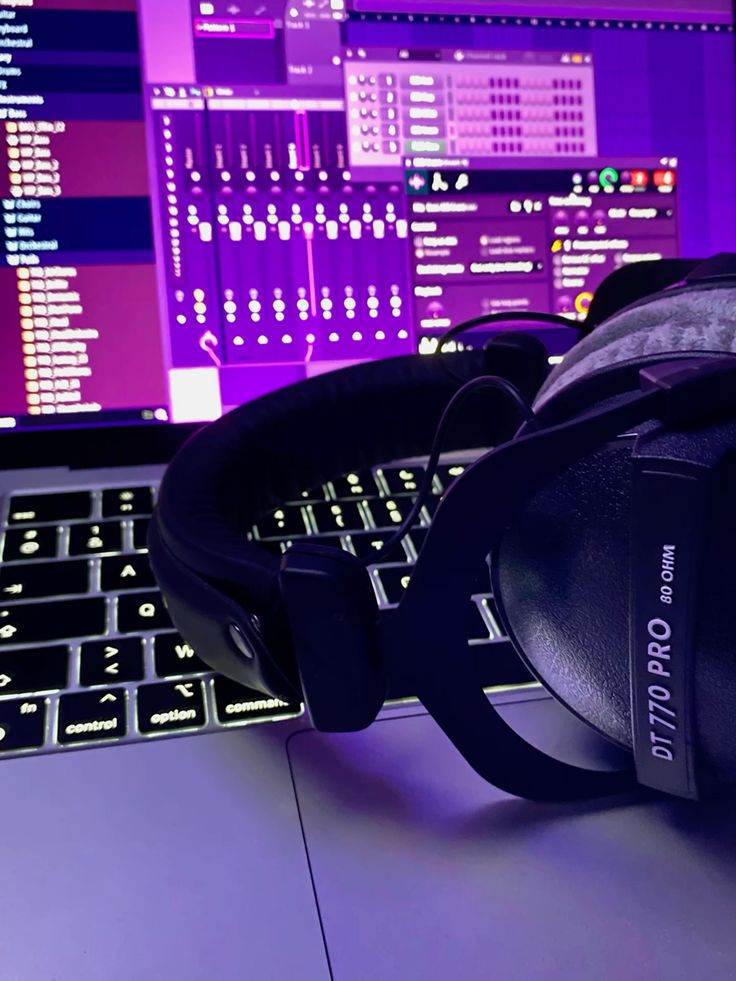
After installing the plugin, open your DAW and scan for new plugins. In FL Studio, go to Options, then Manage plugins, make sure the correct VST3 folder is included, and click Find installed plugins. On macOS, the plugin installs into the system VST3 and Audio Unit plugin folders, and it may also include a standalone app. On Windows, the plugin installs into the common VST3 folder and may also include a standalone app. Once the VST is loaded, add it to a MIDI track or channel, choose a preset with the preset selector, and start playing or drawing MIDI notes. Bell Pluck, Glass Keys, and Music Box are good starting points for melodies. Dream Pad, Cloud Vox Pad, and Lush Stack work well for chords and background layers. Legato Glide Lead and Sine Lead are useful for sliding top lines, while 808 Glide Sub and Round Bass are made for simple low-end parts. To shape the sound, use the envelope controls to make it shorter, longer, sharper, or softer. Use the cutoff and resonance controls to darken or brighten the tone. Add sub for extra body, increase unison for a wider sound, and use reverb or delay to create space. For plucks, use low sustain with a short attack and medium decay. For pads, use a slower attack with higher sustain and longer release. For glide leads, use mono or legato mode with glide turned on.

WATCH

See the OFFICIAL PLUGGNB VST In Action