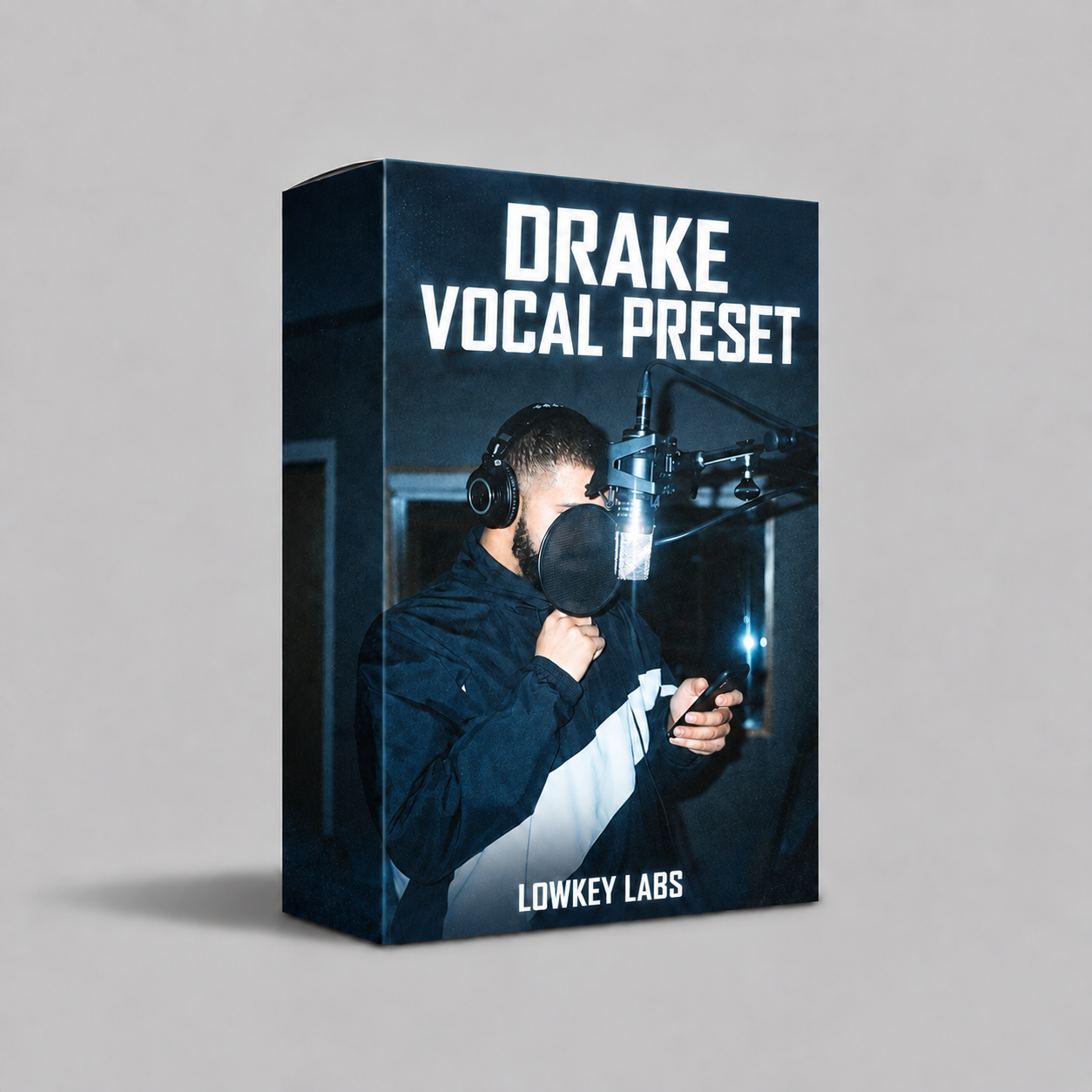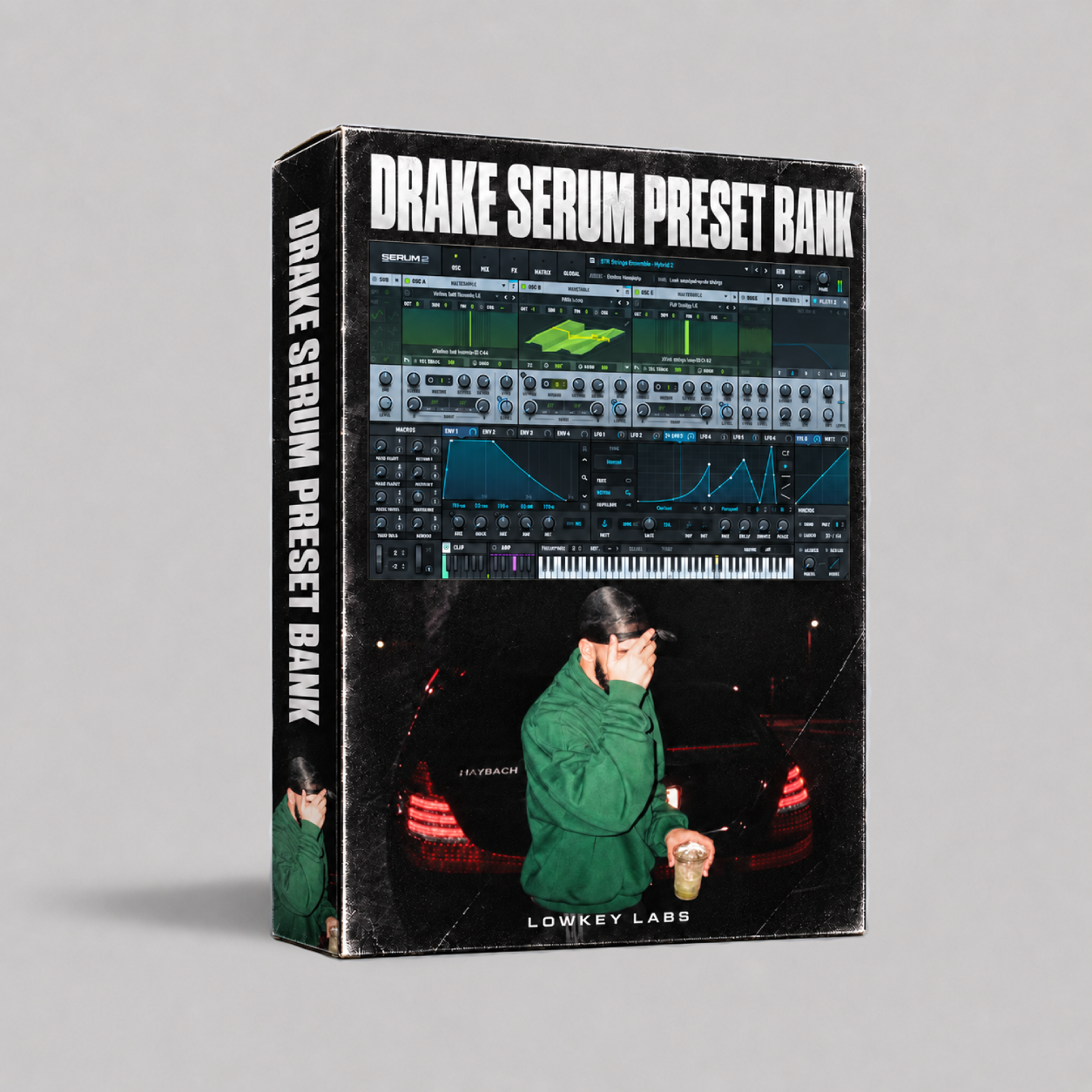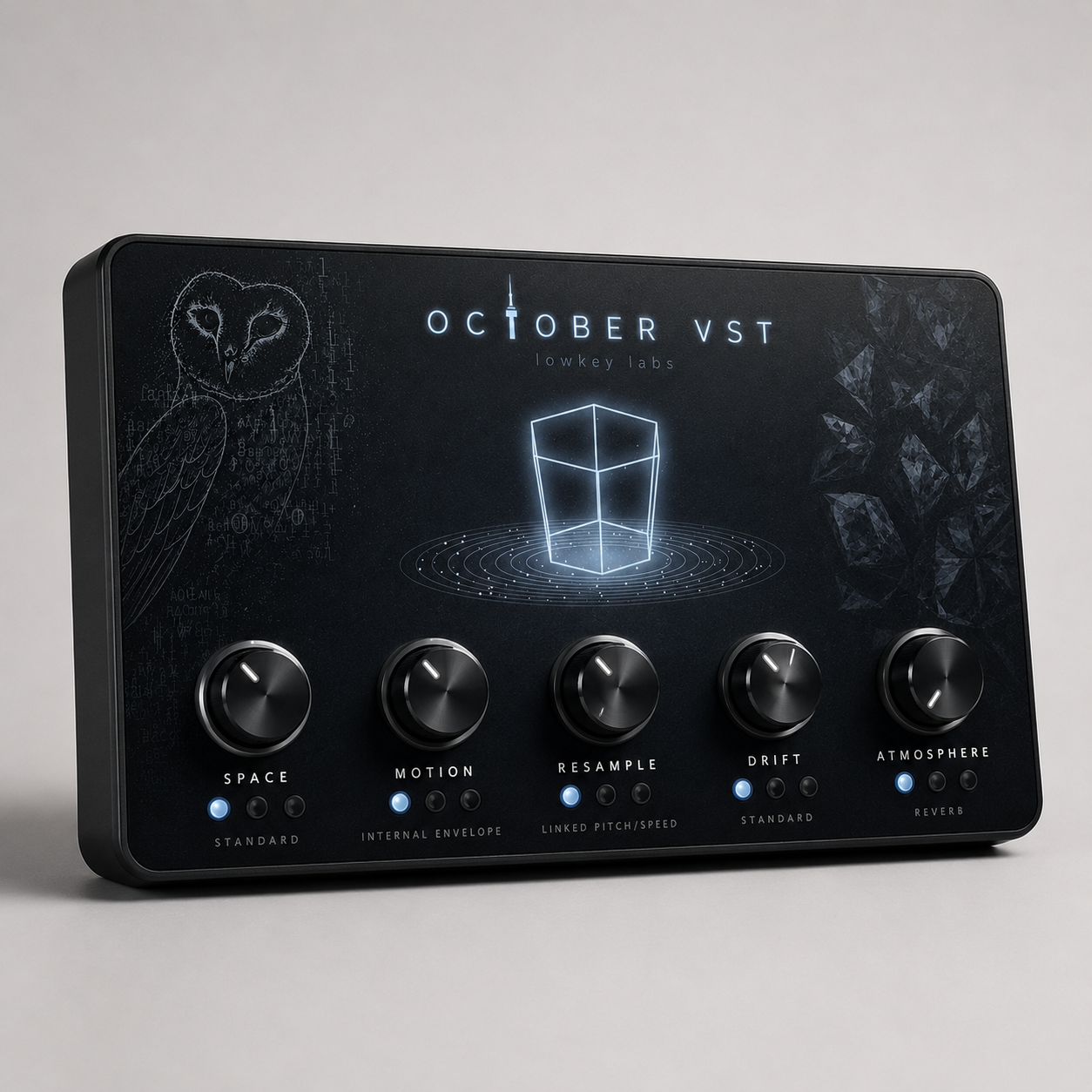

OFFICIAL OCTOBER VST
this effect VST is perfect for channeling that cold washed out OVO/Toronto sound in your production!

Explore the Sound


Everything You Need to Know
WHAT'S INSIDE
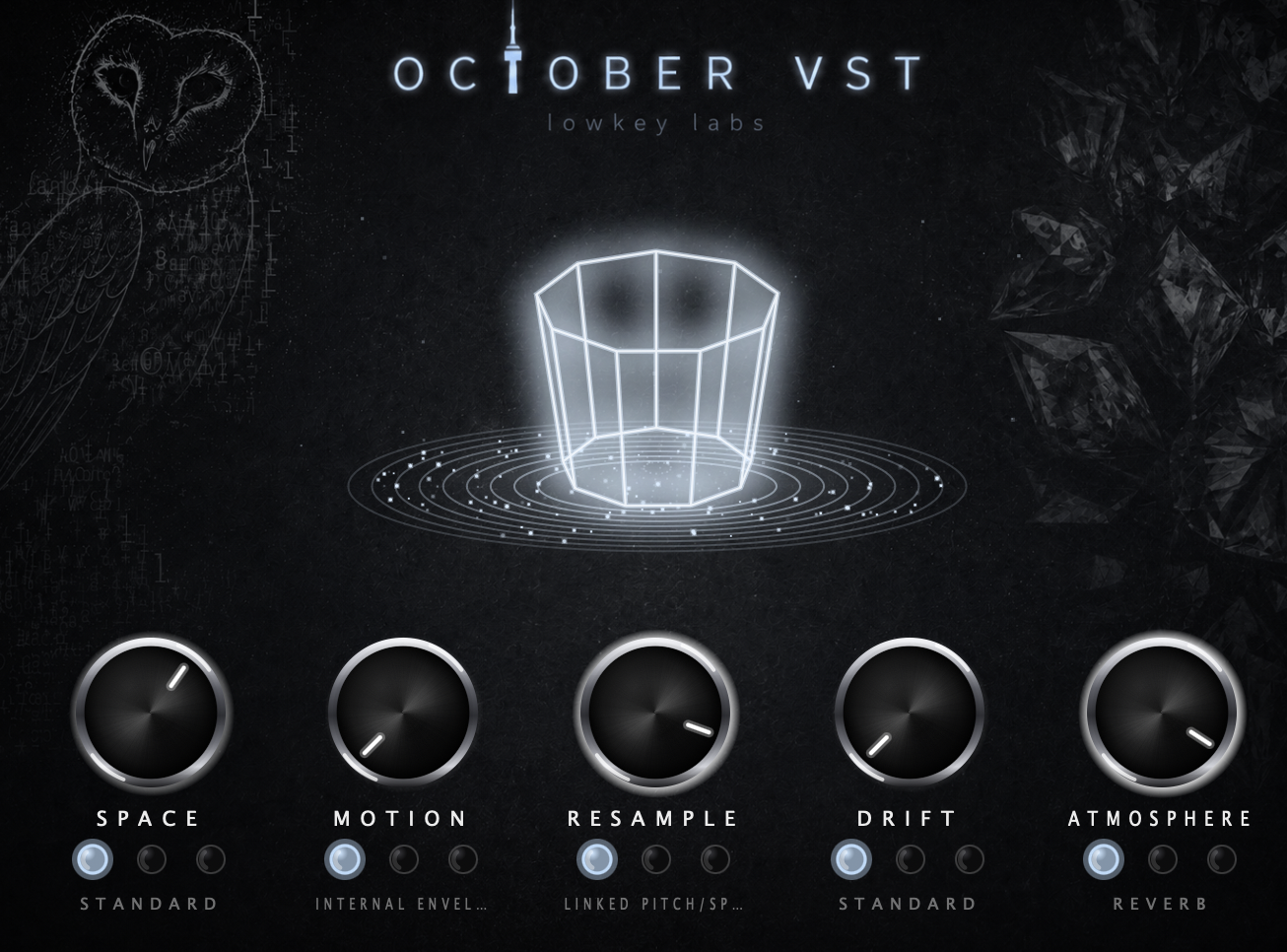
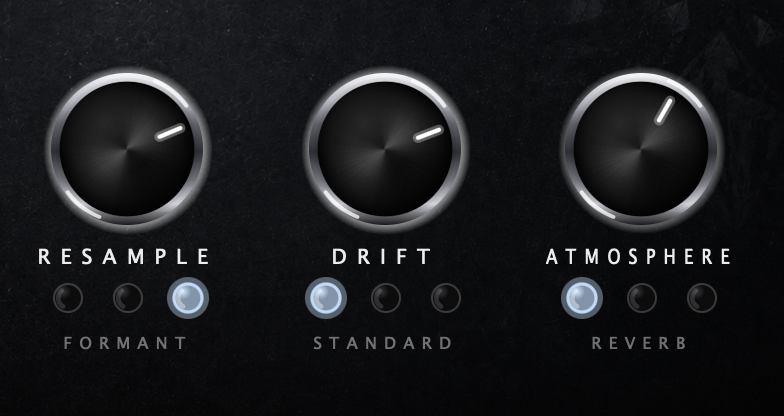
October VST is an atmospheric effect plugin built for turning melodies, loops, vocals, synths, keys, samples, and full beat sections into darker, wider, more textured audio. It is not an instrument or preset pack: it is a real audio effect processor that goes on an existing track, bus, or mixer insert. At its core, October VST includes five macro controls: Space, Motion, Resample, Drift, and Atmosphere. Space adds lo-fi distance, filtering, decimation, bit-crush, and presence carving. Motion uses envelope movement, sidechain input, or tempo-synced LFO modulation to make the effect breathe with the audio. Resample gives pitch and time manipulation with tape-style varispeed, pitch-only shifting, and formant-preserving options. Drift adds wow, flutter, and vinyl-style instability. Atmosphere adds dark reverb, filtered delay, or both, creating space that blooms around the original sound.
WHO IS THIS VST FOR
This VST is made for producers creating dark trap, ambient rap, pluggnb, underground rap, rage, melodic loops, sample flips, synth textures, vocal effects, and moody beat transitions. It is especially useful for producers who want to make clean sounds feel colder, older, wider, warped, distant, or more emotional without building a full effects chain from scratch. It works well on melody loops, pads, bells, keys, guitars, vocals, one-shots, drum loops, transitions, and background textures. It is not meant to be a synth, drum plugin, sampler, MIDI generator, or full mastering suite. It is a focused atmosphere processor designed to give audio instant movement, grit, space, and character.
WHAT'S INCLUDED IN THE VST
The VST includes five main effect macros with selectable modes for each section. Space includes Standard, Hi-Fi Carve, and Crush modes for filtering, tone shaping, bit-crushing, and lo-fi distance. Motion includes Internal Envelope, Sidechain, and LFO modes, letting the plugin react to the input, follow an external sidechain, or move with tempo-based modulation. Resample includes Linked Pitch/Speed, Pitch Only, and Formant modes, with a bipolar pitch control where the center position is normal pitch and the extremes move up or down by up to 12 semitones. Drift includes Standard, Fast Flutter, and Vinyl modes for tape-style pitch movement, faster instability, and surface-noise character. Atmosphere includes Reverb, Delay, and Reverb + Delay modes for dark space, filtered echoes, and combined ambience. The signal chain runs Resample into Drift into Space into Atmosphere, with Motion controlling how the atmosphere blooms around the source. The plugin supports macOS VST3, AU, and standalone, plus Windows VST3 and standalone. It processes mono or stereo audio and supports an optional sidechain input. It does not output MIDI, and it is not a VST2, AAX, synth, sampler, or preset browser plugin.
HOW TO USE THE OFFICIAL OCTOBER VST
After installing the plugin, open your DAW and scan for new plugins. In FL Studio, go to Options, then Manage plugins, make sure the correct VST3 folder is included, and click Find installed plugins. On macOS, the plugin installs into the system VST3 and Audio Unit plugin folders, and it may also include a standalone app. On Windows, the plugin installs into the common VST3 folder and may also include a standalone app. Once October VST is loaded, place it on an audio track, instrument track, mixer insert, send, or bus. Start with the controls low, then raise one macro at a time. Use Space when you want a sound to feel darker, crushed, filtered, or farther away. Use Motion when you want the effect to move with the groove, duck around the input, or pulse in time. Use Resample to pitch audio down, pitch it up, create tape-style speed changes, or shift pitch while preserving formant character. Use Drift to add wow, flutter, unstable tape movement, or vinyl texture. Use Atmosphere to add dark reverb, filtered delay, or both. For subtle polish, keep the macros low and blend in only a little Space, Drift, or Atmosphere. For washed-out ambient effects, push Atmosphere higher and use Motion so the reverb and delay bloom between hits. For darker sample-flip textures, combine Resample, Drift, and Space. For transitions, automate Resample, Space, or Atmosphere over time.